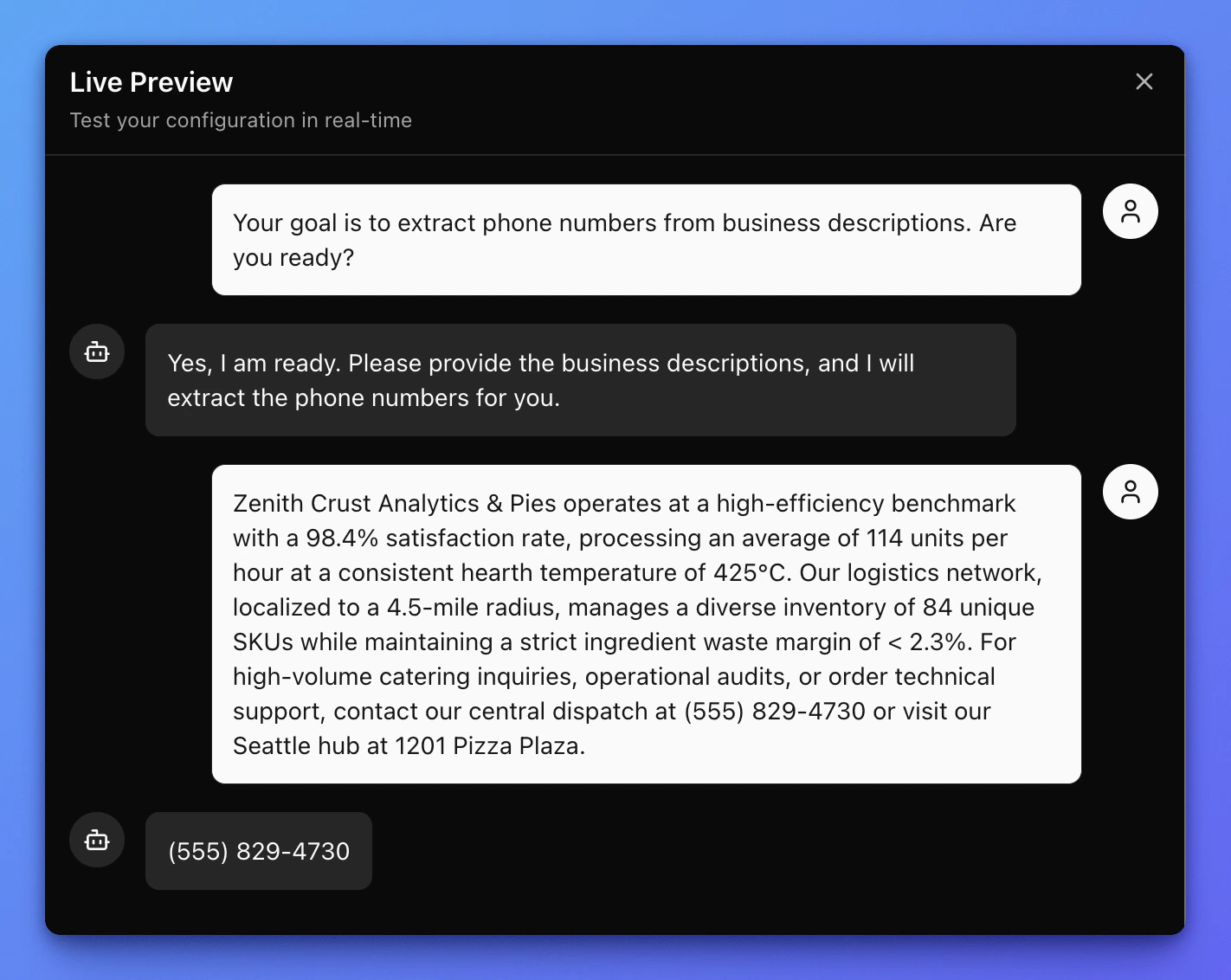
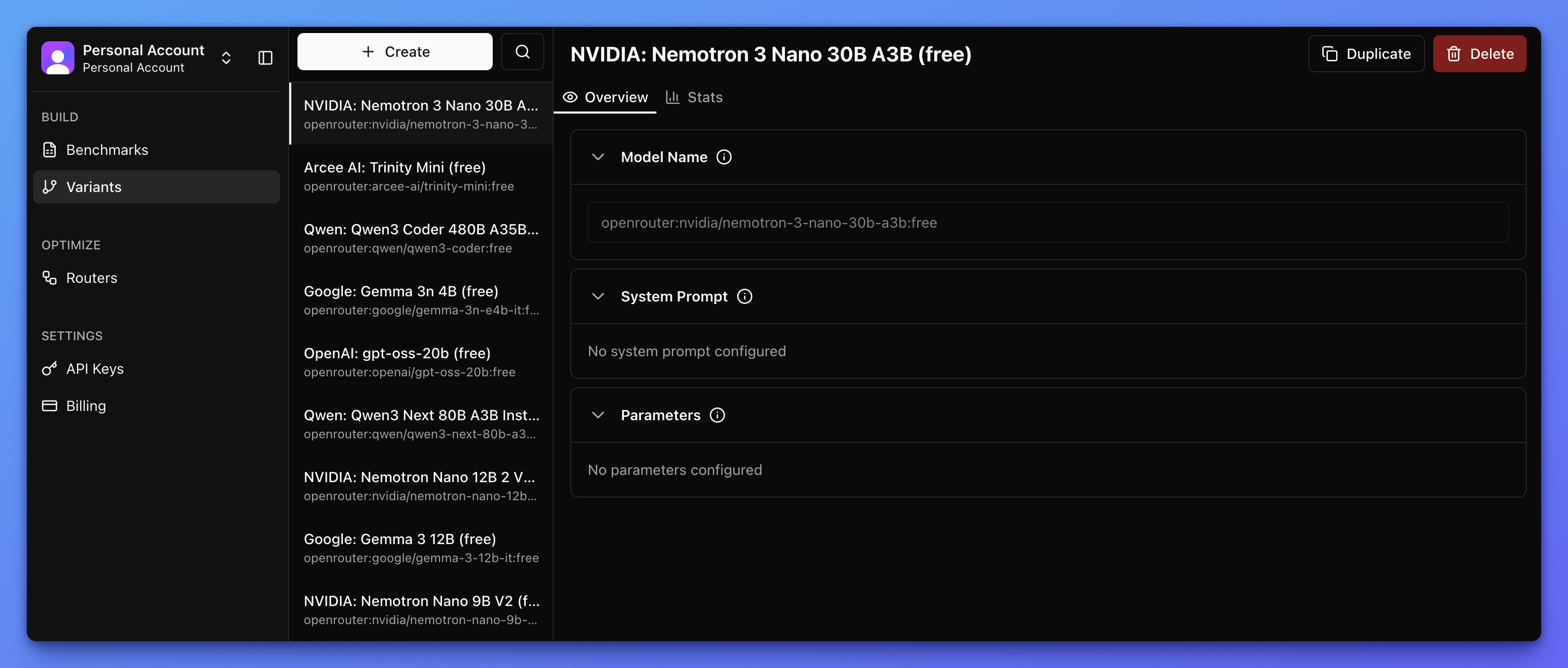
Variant Library contains all of your private variants. Variants are immutable. Once you create a variant, you can’t edit it. Think of them as git commits.Documentation Index
Fetch the complete documentation index at: https://narev.ai/docs/llms.txt
Use this file to discover all available pages before exploring further.
Create a variant from scratch
Create a variant
Variant Library lets you create a variant from scratch. When you create a variant, a sheet appears. Use model selection to find your model.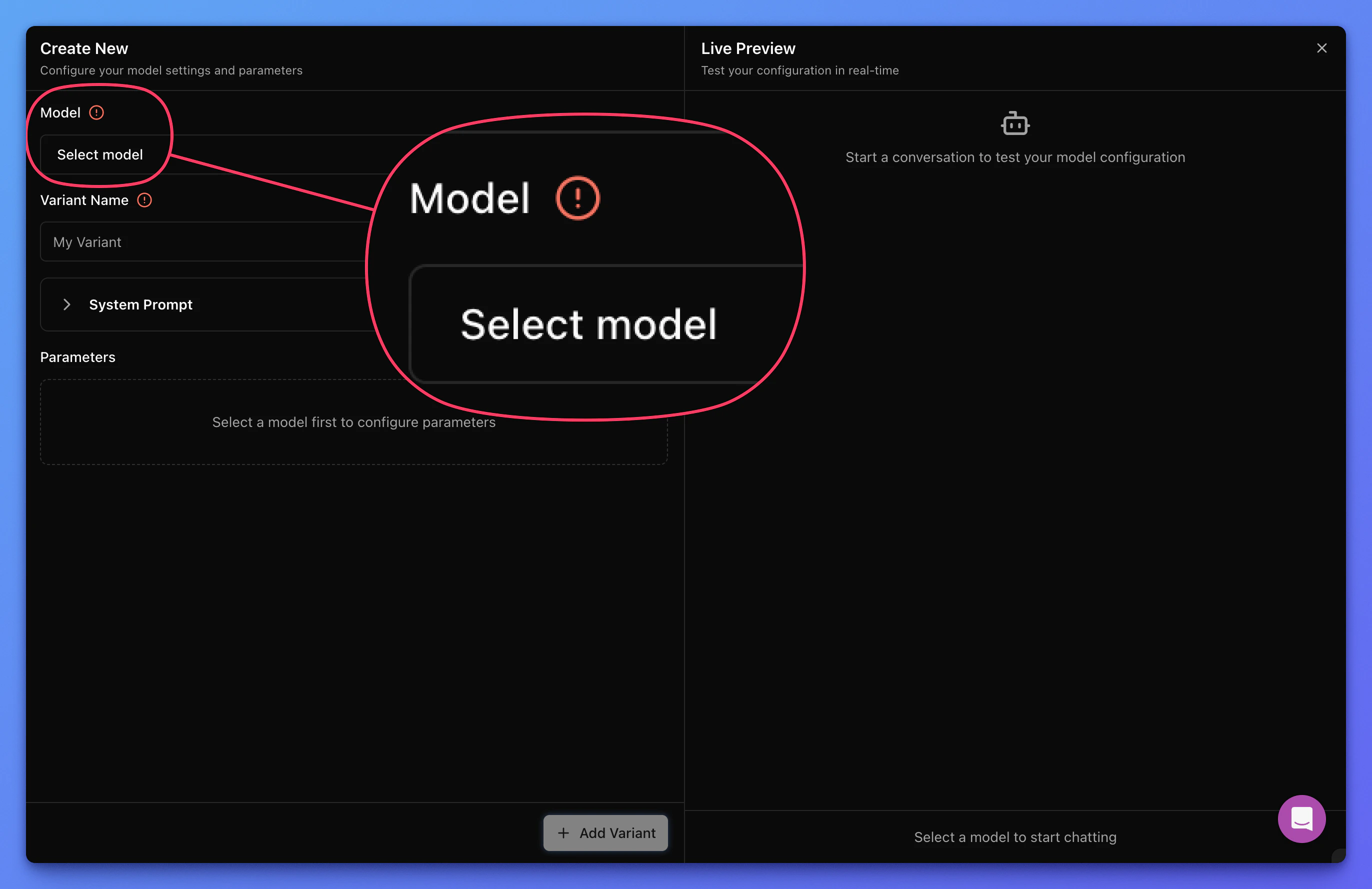
Select the model
Click to open a dialog where you can filter and search all models available on Narev Cloud.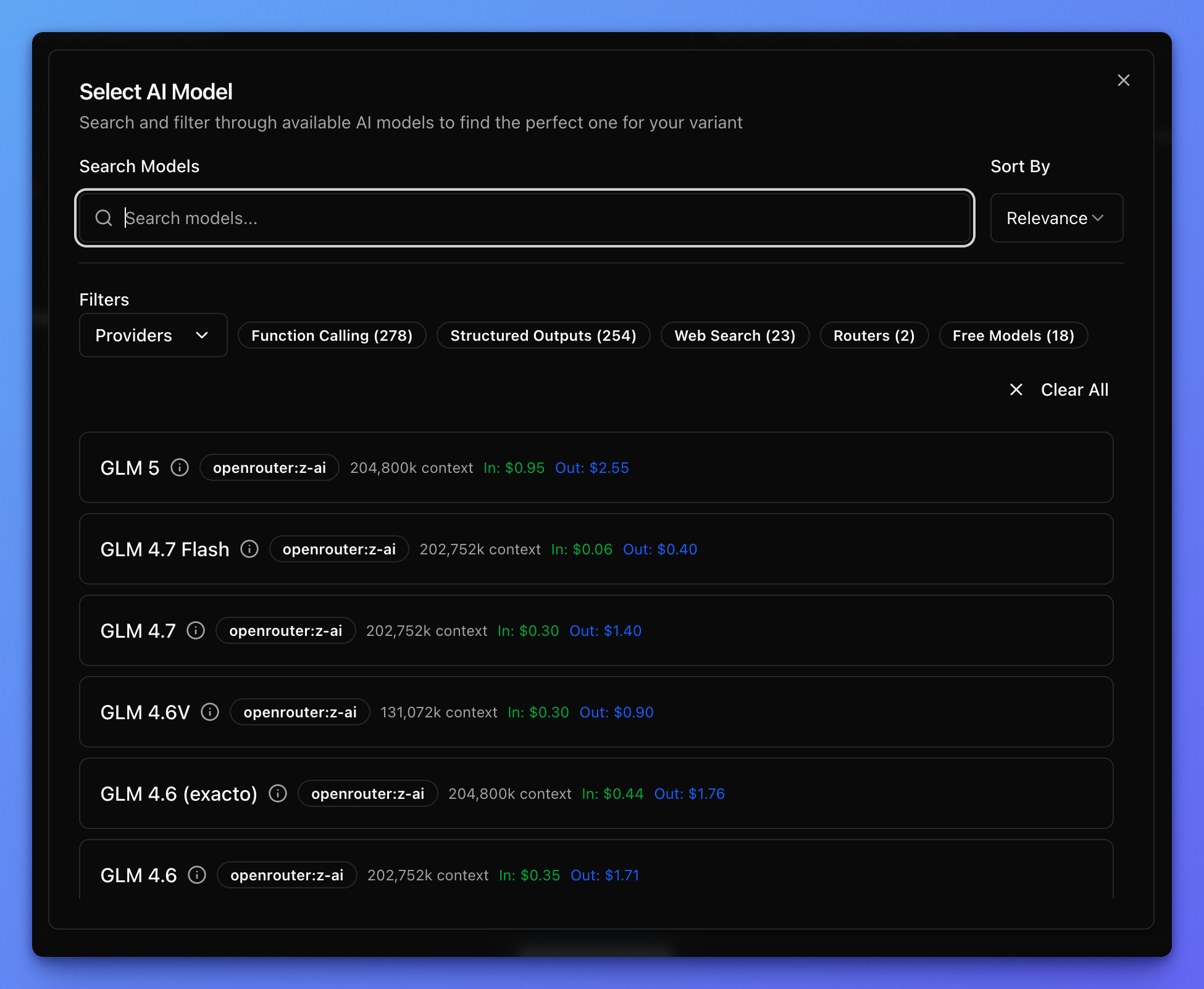
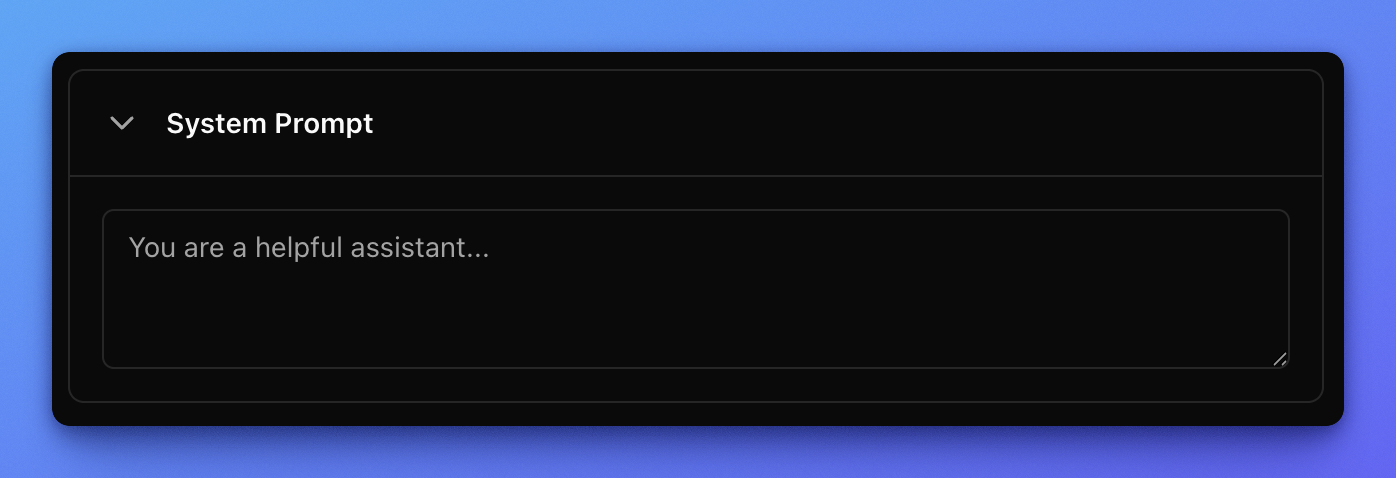
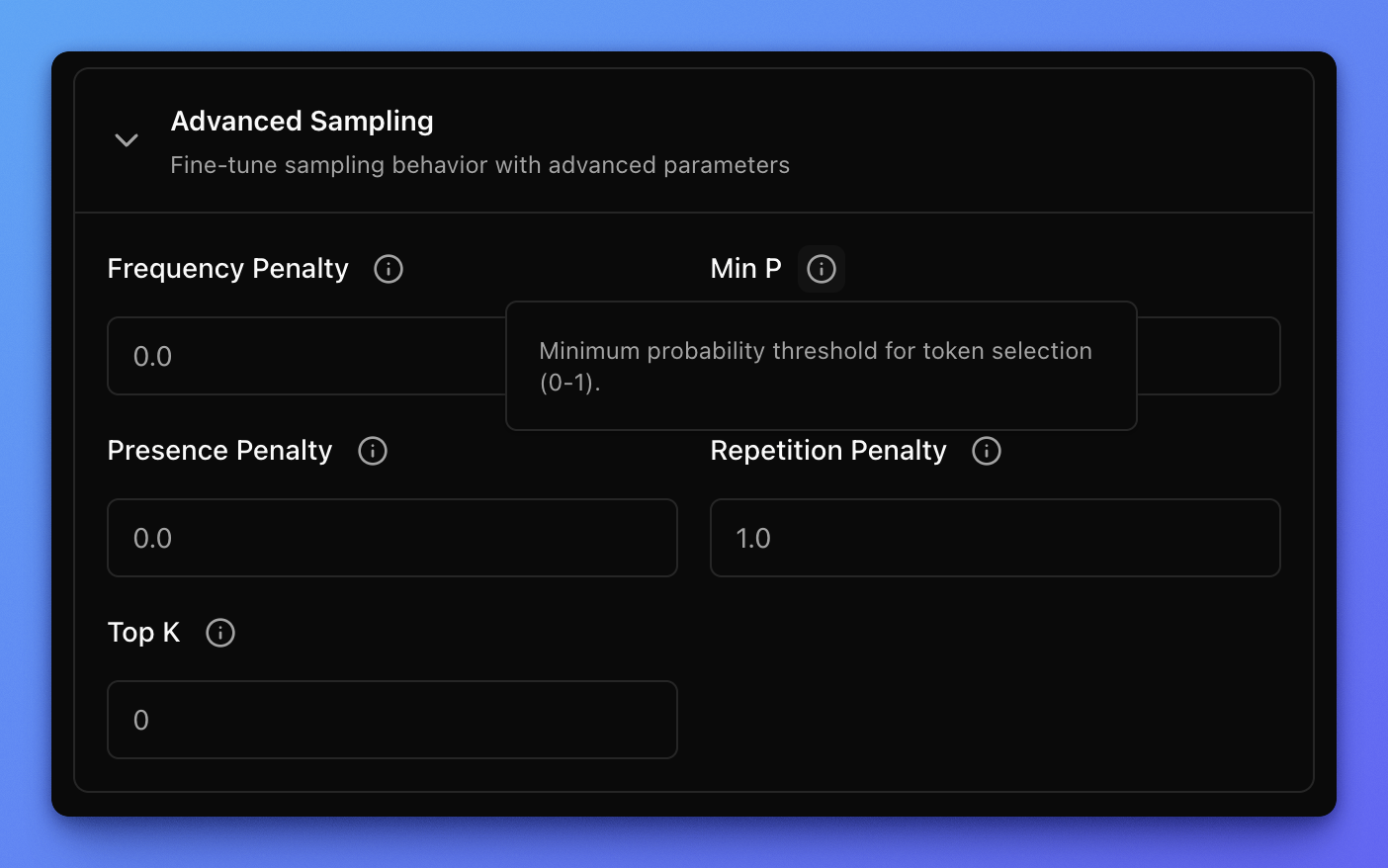
Define system prompt and parameters
You can define a system prompt and parameters specific to the given model. The choice of parameters differs from model to model.