

This page documents Varne v0. Varne v1 is in development. These instructions apply to v0, not the developing v1 branch.
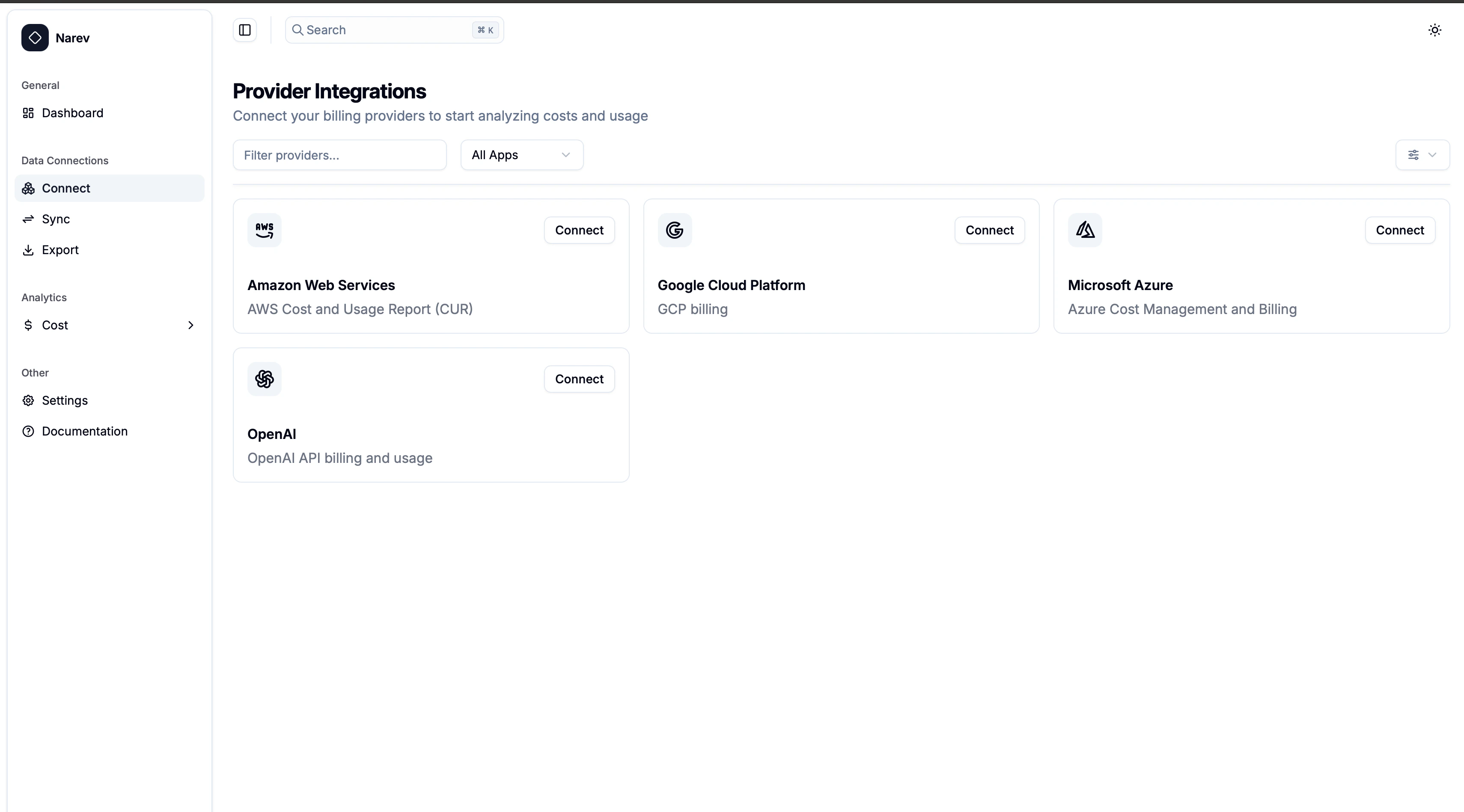
How to connect
- Navigate to Data Connections → Connect in Varne
- Select your provider from the available cards
- Follow the setup guide for your chosen provider
- Test the connection and start importing data
Supported Providers
Choose the provider you want to connect:- Amazon Web Services (AWS) - Cost and Usage Reports & FOCUS Data Exports from S3
- Microsoft Azure - Cost Management Exports in FOCUS format from Blob Storage
- Google Cloud Platform (GCP) - BigQuery billing exports with FOCUS views
- OpenAI - API usage and billing data via administrator keys
Data and privacy
✅ Read-only billing data - costs, usage, resource metadata❌ No app data - your workloads and content stay private