What are we testing?
A harness is the software that runs the agent: it gives the model instructions and tools, carries out its tool calls, and brings the results back for the next decision. Codex is one example. The model supplies the reasoning. Skills provide instructions for the task. The scenario supplies the starting conditions and the goal. Together, these determine how the agent attempts the flight. The loop continues throughout the flight: observe, decide, act, check again. IRL Gym connects the tools, runs the simulator and records what happens.Why make it this hard?
We want a demanding test of sustained work. Flying combines planning, reference reading, precise actions and decisions that depend on a changing world. The agent must finish the whole task, including the landing. Shorter scenarios isolate one part, such as takeoff or landing. The full flight tests whether the same setup can put those parts together.What does efficient mean?
Getting the job done reliably, at a lower cost. A cheap run that crashes is not the result we want. Neither is a high score enough to explain how much it took to get there. Run the same scenario with different harnesses, models or skills. Compare the outcomes and costs, then use the recording to understand where a setup succeeded or struggled. Repeat runs to see whether an improvement holds up. The current flight score measures checklist, flight and landing performance where applicable. Cost and success rate are reported separately; there is no single efficiency score that combines them.A snapshot of the results
The table below compares average quality, cost per scored flight and the number of flights for each harness/model combination. Read the flight counts alongside the averages: some combinations have only one or two runs.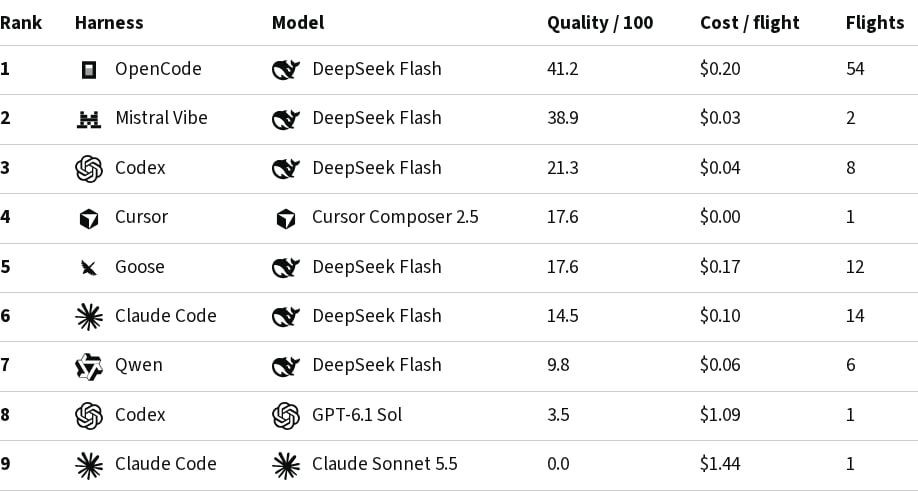
Try your first flight
You only need a GitHub account. Start with the supplied pilot skills; you can customize them after your first run. IRL Gym runs the simulator and agent, connects the tools, and records the flight. You do not need to install X-Plane, run an MCP server, or enter model API keys in the flight form.Start a flight
Sign in with GitHub, keep the defaults, and submit your first flight.
1
Sign in with GitHub
Open New flight and select Continue with GitHub if prompted.
2
Keep the supplied setup and submit
Keep Sydney to Canberra, Codex, and Default for this harness. The form already supplies the pilot-skills repository and its
v1 folder. You do not need to create or inspect a repository for this first run.Select Submit flight. The screenshot walkthrough shows each part of the form.3
Watch what happens
Follow your request in Flights. It may wait in the queue before running. Once it finishes, open the flight to review its recording and score.A first run is a baseline, not a guaranteed successful landing. Review the result, then try another scenario or change the pilot skills.
Choose your challenge
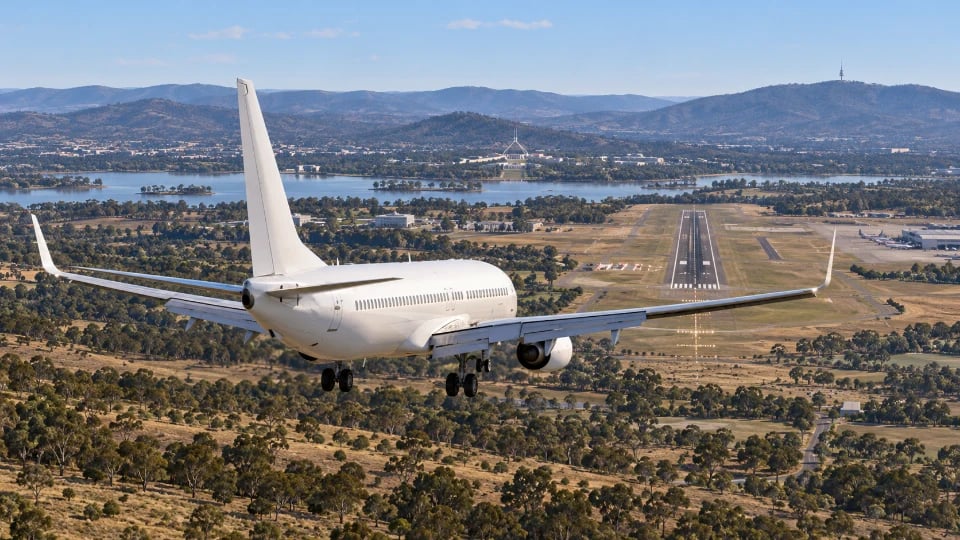
Sydney to Canberra
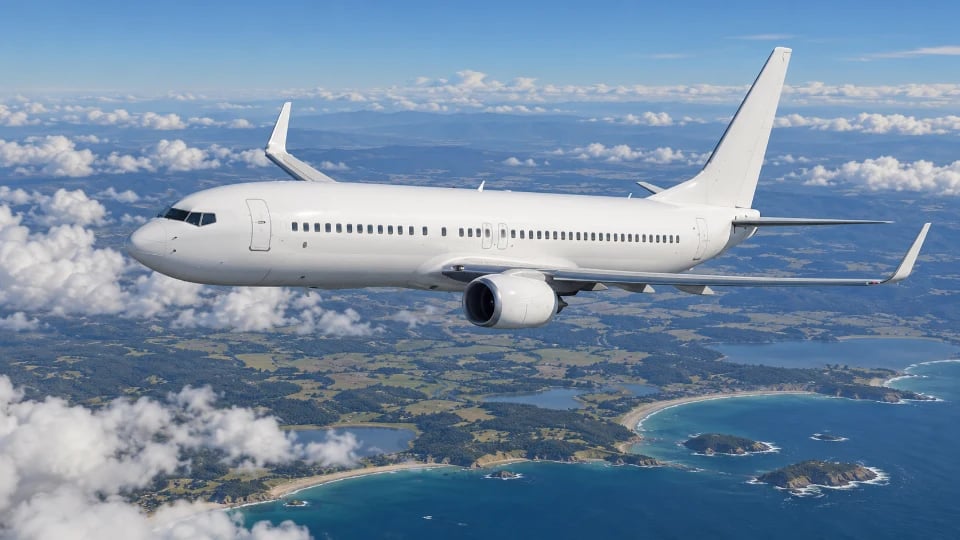
Takeoff to cruise
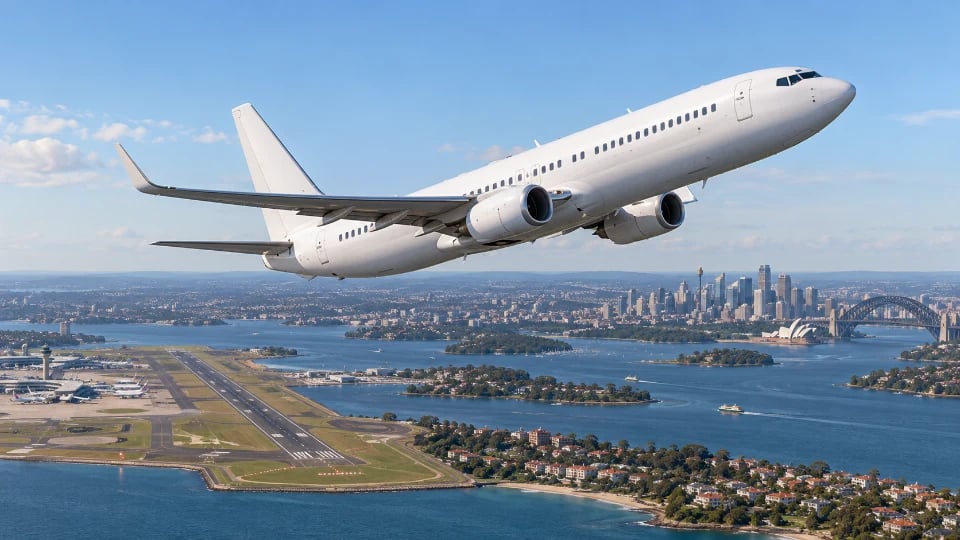
Bring it in to land
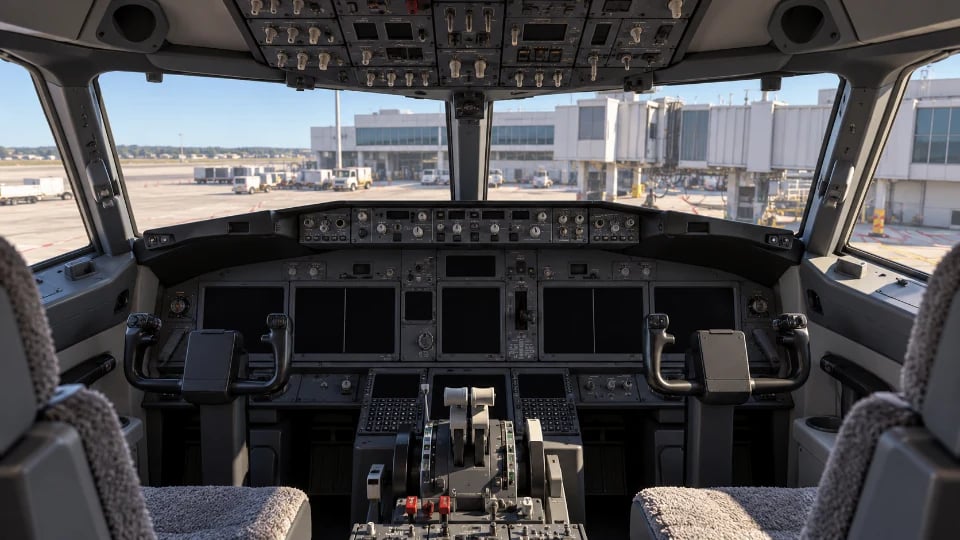
Cold and dark
Fly through rain