> ## Documentation Index
> Fetch the complete documentation index at: https://narev.ai/docs/llms.txt
> Use this file to discover all available pages before exploring further.
# Quickstart - Humans
> Set up Narev Cloud, install the Narev SDK, meter Vercel AI SDK calls, tag customer usage, and send billable AI events to Polar.
Start with usage-based billing so you can measure usage and bill customers correctly from day one. This guide walks you through connecting a Next.js app to **Narev Cloud** using the **Narev SDK** and sending billable AI events to Polar.
To authenticate your app, you need API keys from both Narev Cloud and your billing provider.
1. Create a free [Narev Cloud](https://www.narev.ai/login) account.
2. Navigate to **Settings → API Keys** and generate a new `NAREV_API_KEY`.
3. Get your billing provider credentials. If you are using Polar, create a sandbox workspace and generate a `POLAR_ACCESS_TOKEN`.
Add these credentials to your local environment variables:
```bash .env.local theme={null}
NAREV_API_KEY=your_narev_api_key_here
POLAR_ACCESS_TOKEN=your_polar_access_token_here
POLAR_SERVER=sandbox
```
This guide uses Polar because it has a concise setup flow. You can use the exact same framework pattern with Stripe, OpenMeter, Lago, or other supported destinations.
Install the core Narev SDK billing package, your preferred billing provider destination, and the Next.js UI components.
```bash npm theme={null}
npm install @ai-billing/core @ai-billing/polar @ai-billing/nextjs ai @ai-sdk/openai
```
```bash pnpm theme={null}
pnpm add @ai-billing/core @ai-billing/polar @ai-billing/nextjs ai @ai-sdk/openai
```
```bash yarn theme={null}
yarn add @ai-billing/core @ai-billing/polar @ai-billing/nextjs ai @ai-sdk/openai
```
```bash bun theme={null}
bun add @ai-billing/core @ai-billing/polar @ai-billing/nextjs ai @ai-sdk/openai
```
Configure the destination that receives your billing events.
Create a `lib/destinations.ts` file to configure Polar. The `externalCustomerIdKey` is critical because it tells Polar which Customer Tagging field maps the usage to a specific customer.
```typescript lib/destinations.ts theme={null}
import { createPolarDestination } from '@ai-billing/polar';
export function getBillingDestinations() {
const accessToken = process.env.POLAR_ACCESS_TOKEN;
if (!accessToken) return [];
return [
createPolarDestination({
accessToken,
server: process.env.POLAR_SERVER === 'production' ? 'production' : 'sandbox',
eventName: 'llm_usage',
externalCustomerIdKey: 'userId',
}),
];
}
```
Use the `wrapLanguageModel` function from the Vercel AI SDK to attach the Narev billing middleware to your model. This wrapper automatically tracks token usage and sends it to your billing provider.
Create a central helper for your billed models that uses your configured destinations.
```typescript lib/billing.ts theme={null}
import { wrapLanguageModel } from 'ai';
import { openai } from '@ai-sdk/openai';
import { createOpenAIV3Middleware } from '@ai-billing/openai';
import { getBillingDestinations } from './destinations';
const billingMiddleware = createOpenAIV3Middleware({
destinations: getBillingDestinations()
});
// Wrap your model to automatically meter all generations
export const billedModel = wrapLanguageModel({
model: openai('gpt-4o'),
middleware: billingMiddleware
});
```
Centralizing your model creation in one file ensures that every part of your app uses the metered instance, preventing unbilled usage leaks.
Pass the wrapped model into Vercel's `streamText` function. Use the `providerOptions` object to pass Customer Tagging metadata. The billing destination uses this data to know which customer to charge for the tokens consumed.
```typescript app/api/chat/route.ts theme={null}
import { streamText } from 'ai';
import { billedModel } from '@/lib/billing';
export async function POST(req: Request) {
const { messages } = await req.json();
// Get the authenticated user ID (e.g., from your auth provider)
const userId = 'user_123';
const result = streamText({
model: billedModel,
messages,
providerOptions: {
// These tags are automatically forwarded to your billing destination
'ai-billing-tags': {
userId: userId,
// You can add additional metadata here for deeper cost attribution
feature: 'chat-interface'
},
},
});
return result.toDataStreamResponse();
}
```
Always verify that `userId` correctly maps to the corresponding customer record in your billing provider. Start in a sandbox environment before deploying to production.
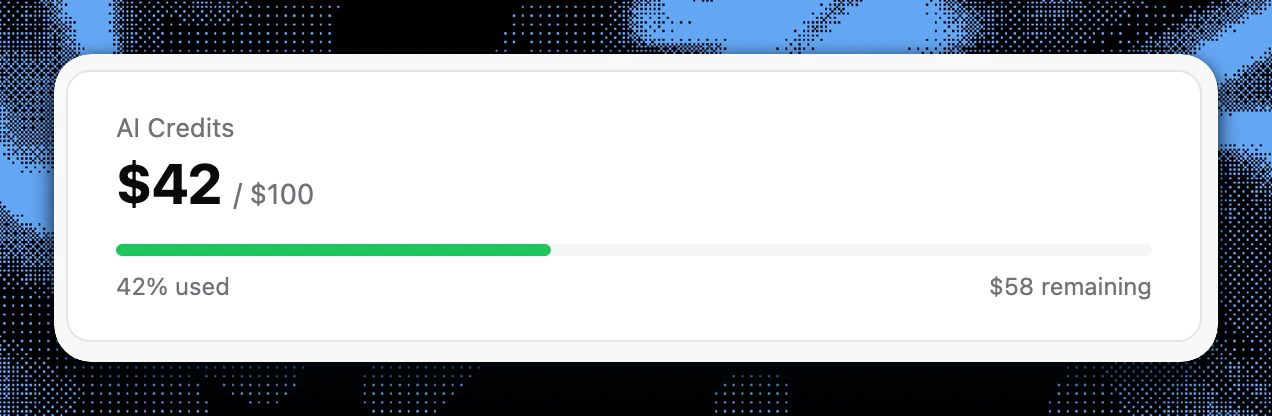
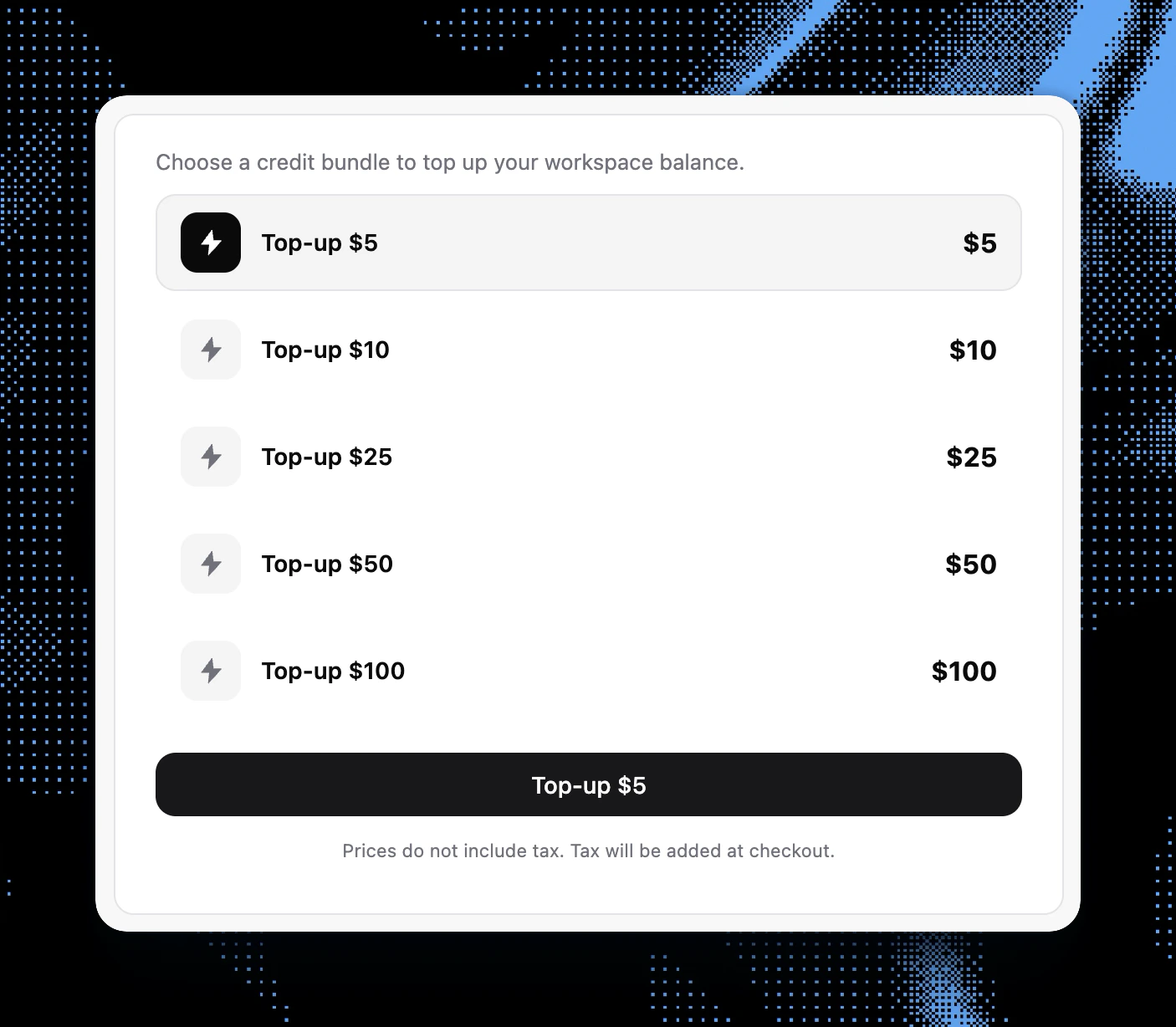
Embed the pre-built React components in your Next.js frontend to show users their real-time usage and provide a native checkout experience for buying credits.
```tsx app/components/usage-dashboard.tsx theme={null}
import { CreditUsagePolar, CreditTopUpPolar } from '@ai-billing/nextjs';
export default function BillingDashboard({ userId }: { userId: string }) {
return (
Usage & Billing
{/* Shows current consumption and remaining budget/credits */}
{/* Renders a checkout component to buy more credits */}
);
}
```
Your app is now fully equipped with AI monetization, cost tracking, and a self-serve top-up dashboard.
You have successfully integrated the Narev SDK into your Next.js app.
## Choose your next guide
Build the full framework integration with reusable helpers and coverage checks.
Configure Polar customers, event names, and usage mapping for metered billing.
Learn how provider middleware, price resolvers, and destinations work together.
Compare model quality and cost before changing production routing.