Pull live LLM prices over REST or MCP, then wrap Vercel AI SDK calls with Narev middleware and send dollar usage to Polar or Stripe.
We’ll go here in two steps: first pull live prices over REST or MCP, then wrap Vercel AI SDK calls with Narev middleware and send dollar usage to Polar.
Attach Narev middleware with wrapLanguageModel. Each generation resolves token cost from the live catalog and forwards usage to your destination.
Next.js
lib/billing.ts
import { wrapLanguageModel } from 'ai';import { openai } from '@ai-sdk/openai';import { createOpenAIV3Middleware } from '@ai-billing/openai';import { getBillingDestinations } from './destinations';const billingMiddleware = createOpenAIV3Middleware({ destinations: getBillingDestinations()});// Wrap your model so every generation is meteredexport const billedModel = wrapLanguageModel({ model: openai('gpt-4o'), middleware: billingMiddleware});
Keep model creation in one helper so every route uses the metered instance.
5
Call the model from an API route
Pass the wrapped model into streamText. Put Customer Tagging metadata in providerOptions so Polar knows which customer to charge.
Next.js
app/api/chat/route.ts
import { streamText } from 'ai';import { billedModel } from '@/lib/billing';export async function POST(req: Request) { const { messages } = await req.json(); // Replace with the authenticated user id from your auth layer const userId = 'user_123'; const result = streamText({ model: billedModel, messages, providerOptions: { 'ai-billing-tags': { userId: userId, feature: 'chat-interface' }, }, }); return result.toDataStreamResponse();}
Confirm userId maps to the customer record in Polar. Stay on sandbox until the mapping looks right.
6
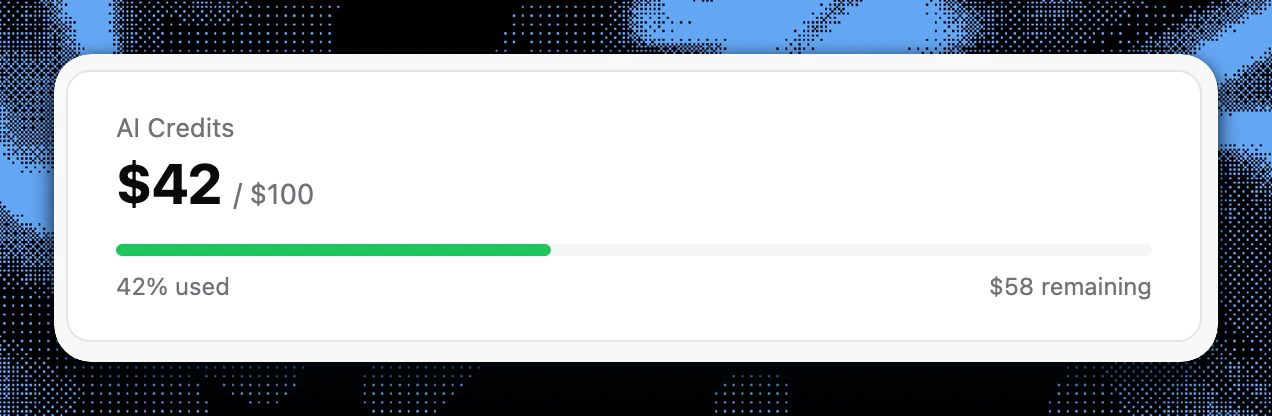
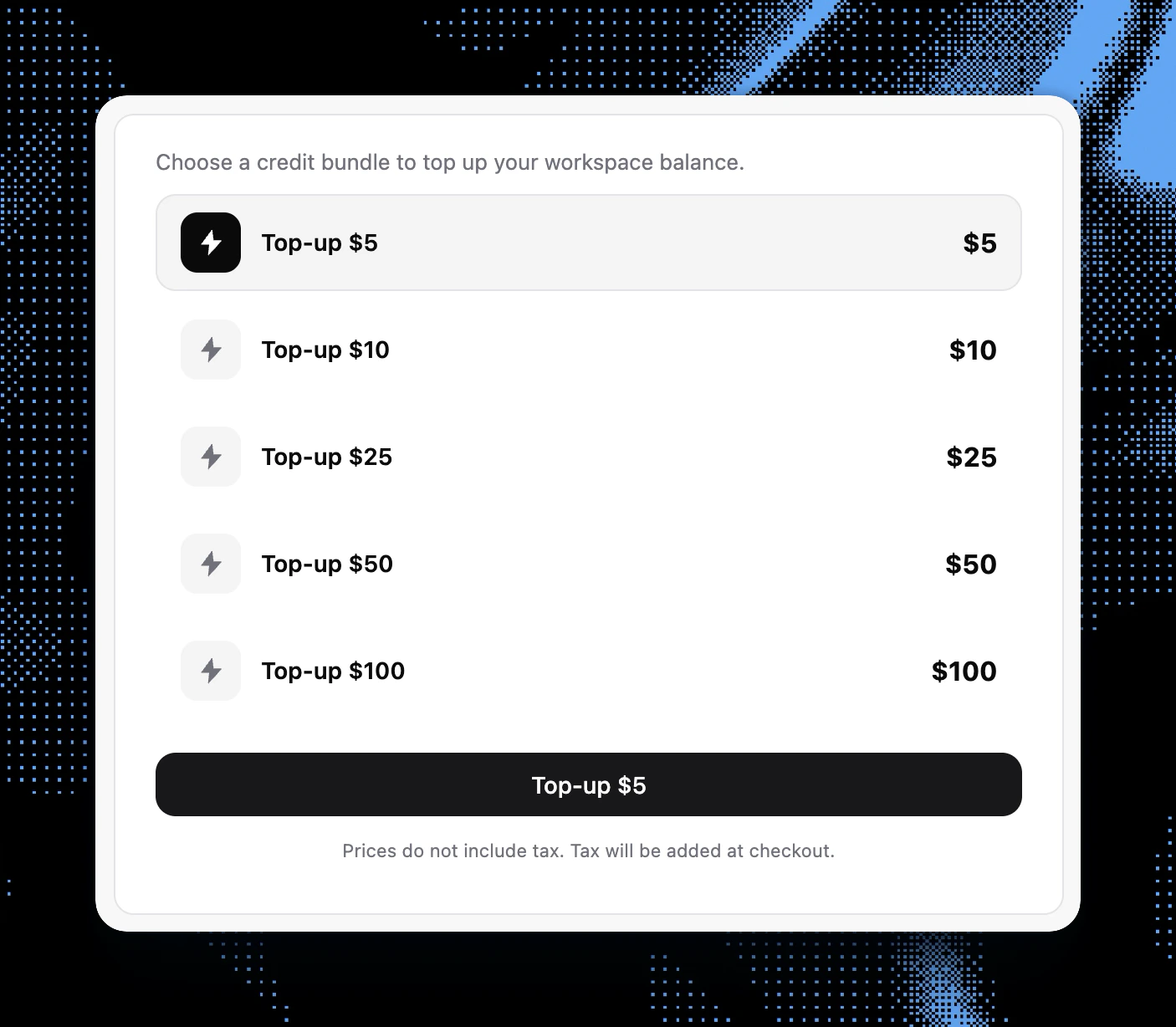
Add billing UI components
Use @ai-billing/nextjs to show usage and let users buy credits.