> ## Documentation Index
> Fetch the complete documentation index at: https://narev.ai/docs/llms.txt
> Use this file to discover all available pages before exploring further.
# Connect cloud and AI providers
> Connect AWS, Azure, GCP, OpenAI, and other supported providers to Narev Self-Hosted to import billing exports and unify them in FOCUS format.
Connect your cloud providers to start analyzing costs across your infrastructure.
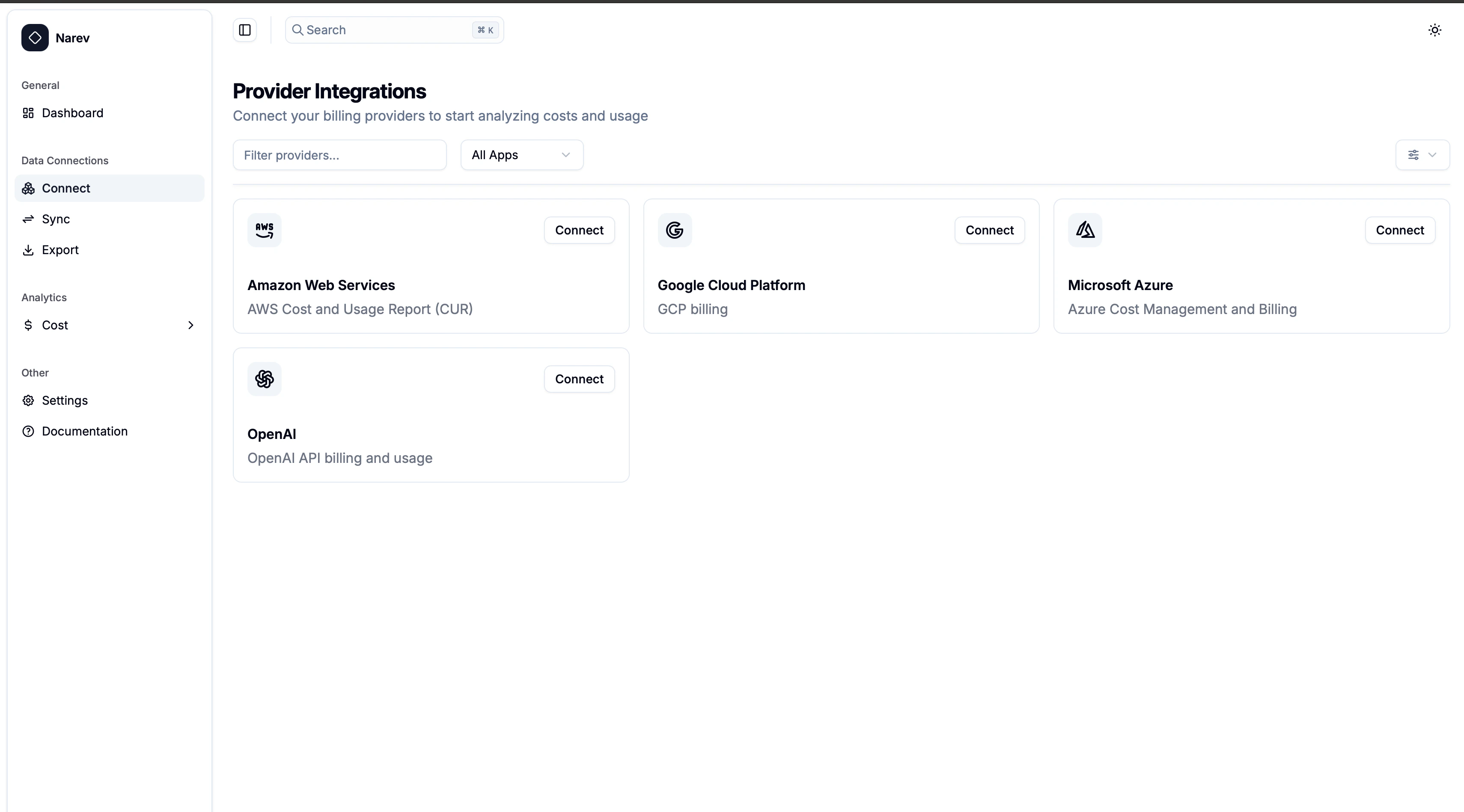 ## How to connect
1. **Navigate** to **Data Connections** → **Connect** in NarevAI
2. **Select** your provider from the available cards
3. **Follow** the setup guide for your chosen provider
4. **Test** the connection and start importing data
## Supported Providers
Choose the provider you want to connect:
* **[Amazon Web Services (AWS)](/oss/thinops/connect-providers/aws)** - Cost and Usage Reports & FOCUS Data Exports from S3
* **[Microsoft Azure](/oss/thinops/connect-providers/azure)** - Cost Management Exports in FOCUS format from Blob Storage
* **[Google Cloud Platform (GCP)](/oss/thinops/connect-providers/gcp)** - BigQuery billing exports with FOCUS views
* **[OpenAI](/oss/thinops/connect-providers/openai)** - API usage and billing data via administrator keys
## Data and privacy
✅ **Read-only billing data** - costs, usage, resource metadata\
❌ **No app data** - your workloads and content stay private
## Need help?
Each provider guide includes setup instructions, troubleshooting, and testing steps.
**[GitHub Discussions →](https://github.com/narevai/narev/discussions)** for community support.
## How to connect
1. **Navigate** to **Data Connections** → **Connect** in NarevAI
2. **Select** your provider from the available cards
3. **Follow** the setup guide for your chosen provider
4. **Test** the connection and start importing data
## Supported Providers
Choose the provider you want to connect:
* **[Amazon Web Services (AWS)](/oss/thinops/connect-providers/aws)** - Cost and Usage Reports & FOCUS Data Exports from S3
* **[Microsoft Azure](/oss/thinops/connect-providers/azure)** - Cost Management Exports in FOCUS format from Blob Storage
* **[Google Cloud Platform (GCP)](/oss/thinops/connect-providers/gcp)** - BigQuery billing exports with FOCUS views
* **[OpenAI](/oss/thinops/connect-providers/openai)** - API usage and billing data via administrator keys
## Data and privacy
✅ **Read-only billing data** - costs, usage, resource metadata\
❌ **No app data** - your workloads and content stay private
## Need help?
Each provider guide includes setup instructions, troubleshooting, and testing steps.
**[GitHub Discussions →](https://github.com/narevai/narev/discussions)** for community support.